
ID photos · Life in Japan
Coming soon to the App StoreJapanese ID photos, shot at home, printed at a konbini
Pick your document, follow the voice guide, and the app makes the background plain, evens the light and cuts the photo to the exact millimetre. It never retouches your face, so the photo is not sent back.
Inside the app
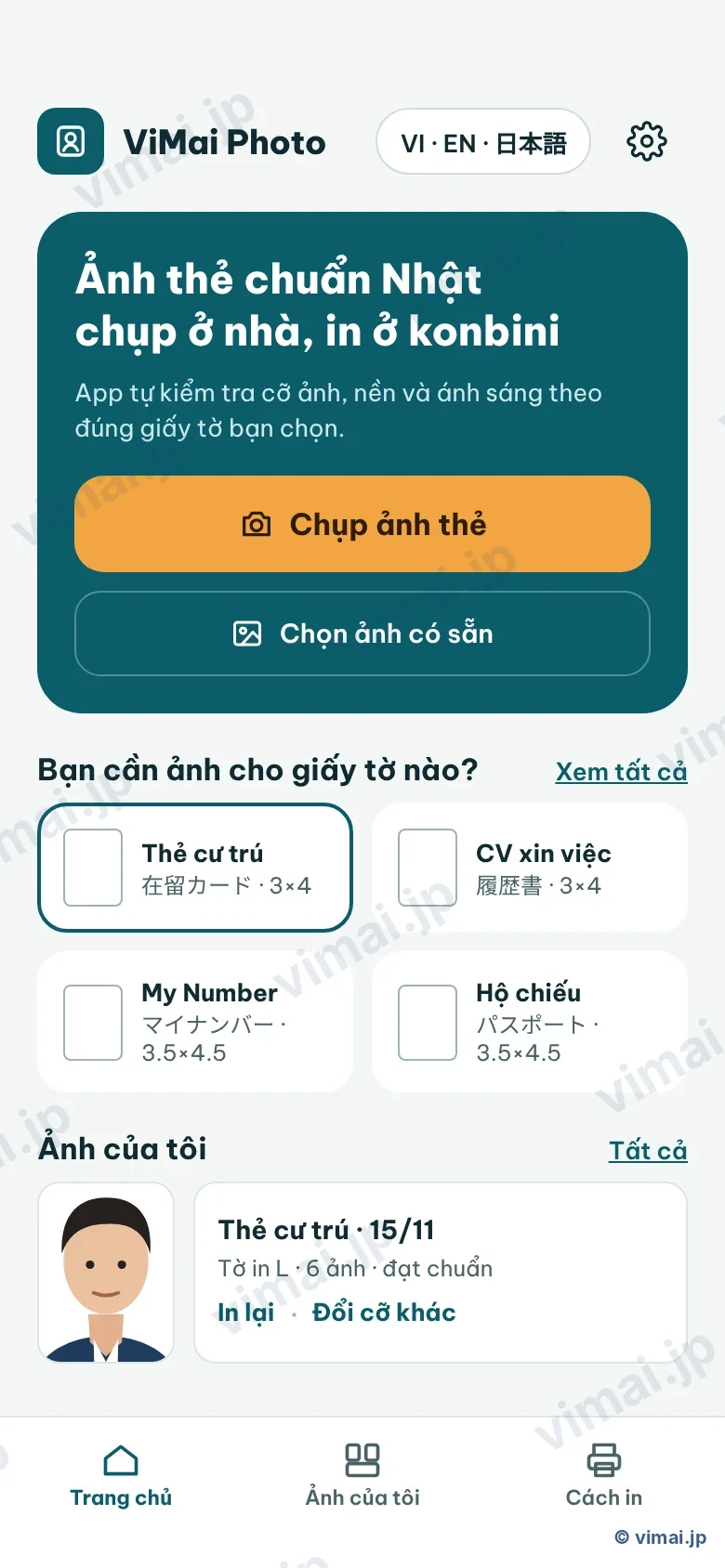
1. Home: pick a document
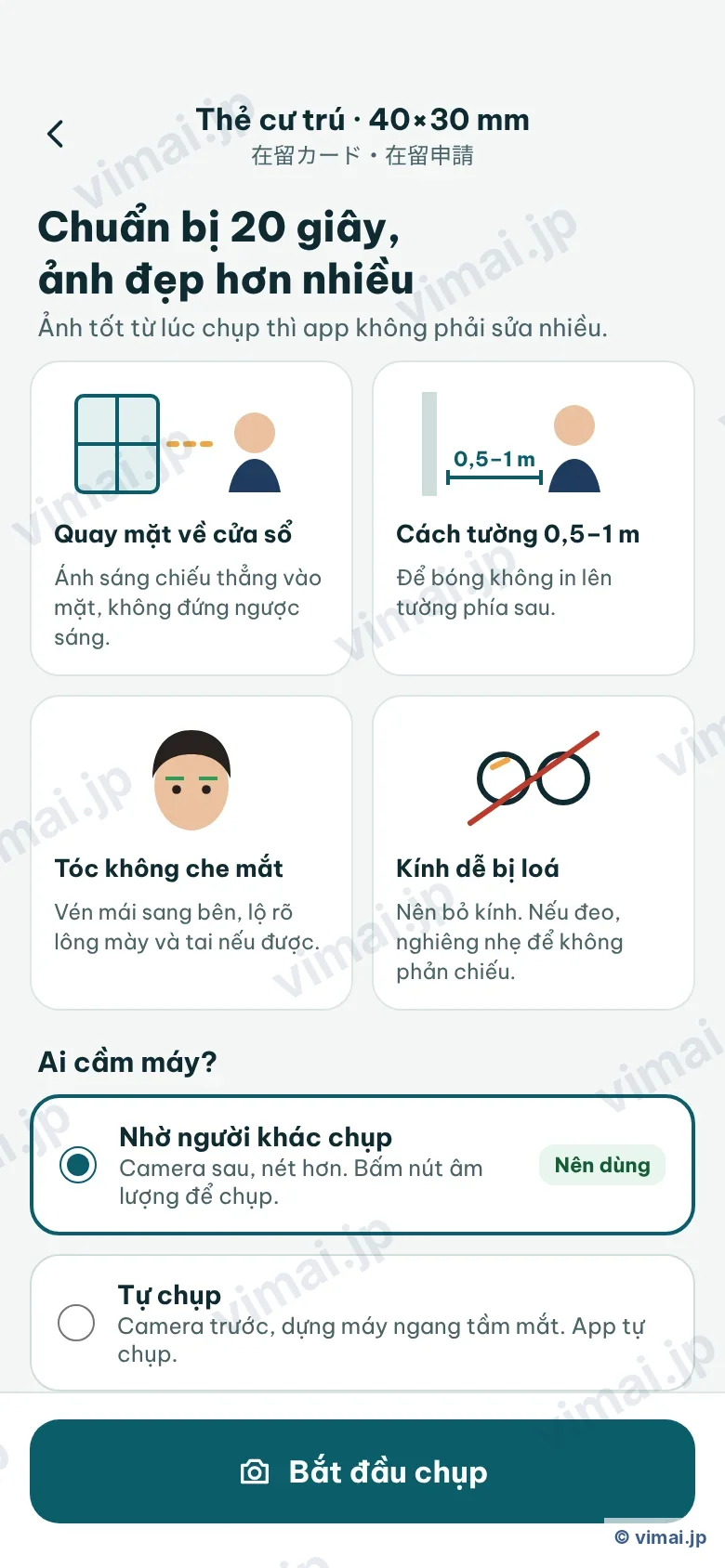
2. Get ready in 20 seconds
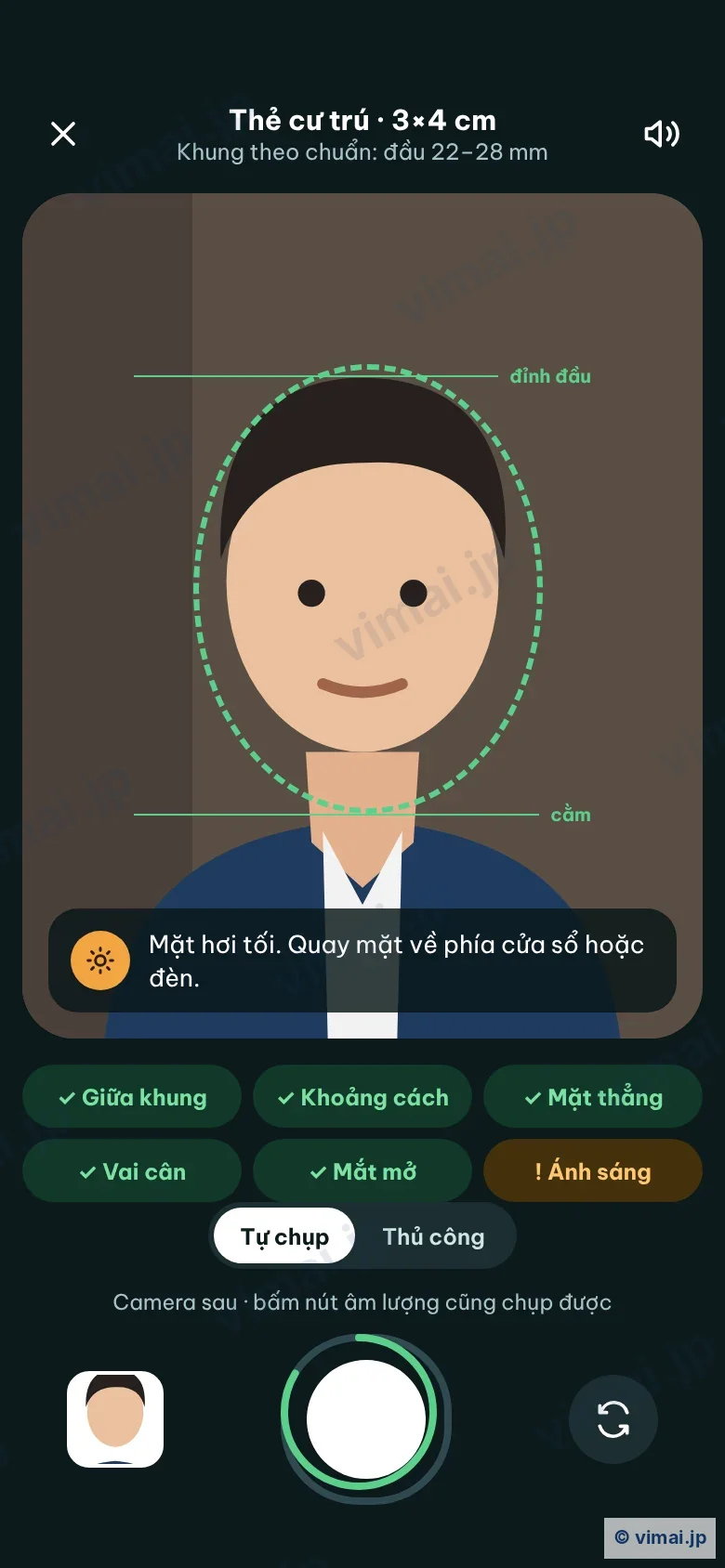
3. Capture with the right frame
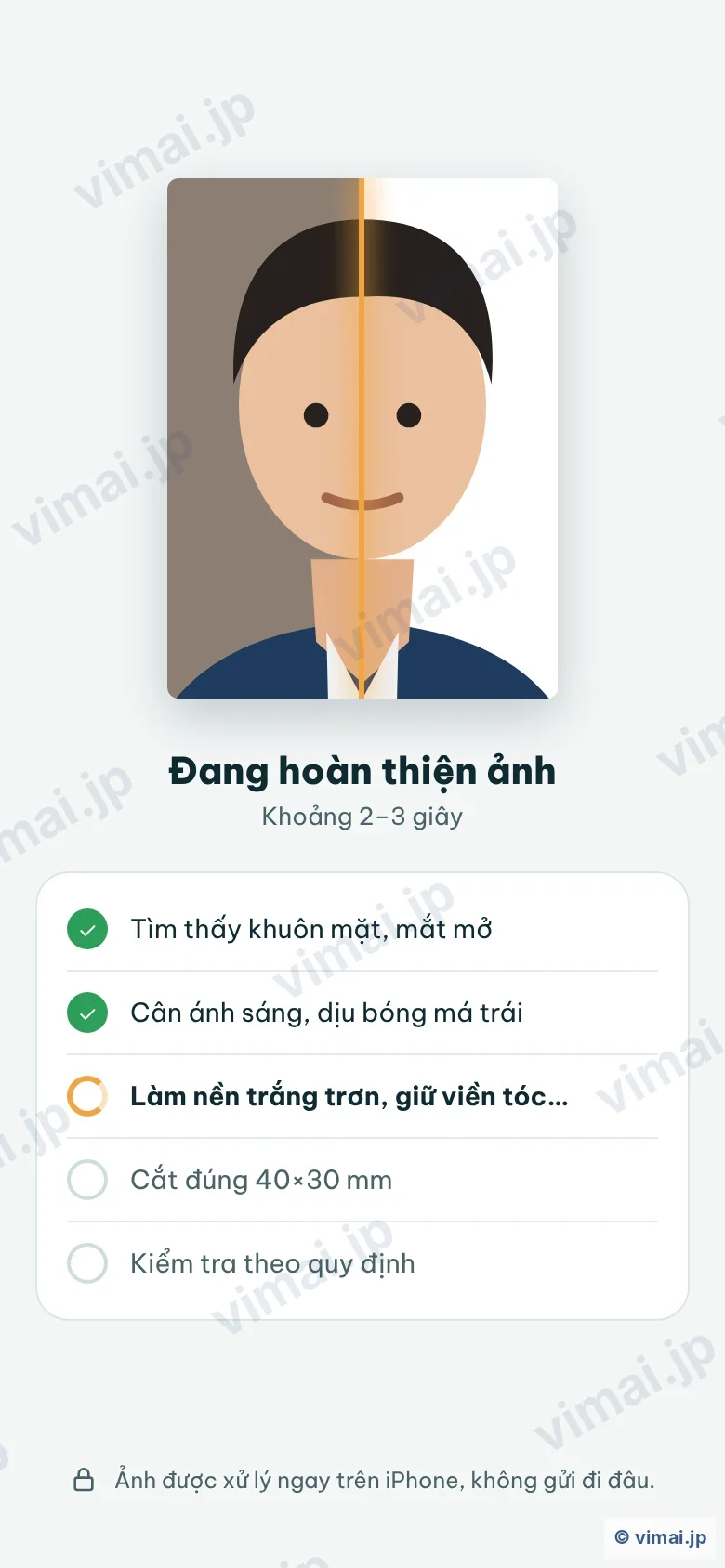
4. Finishing your photo
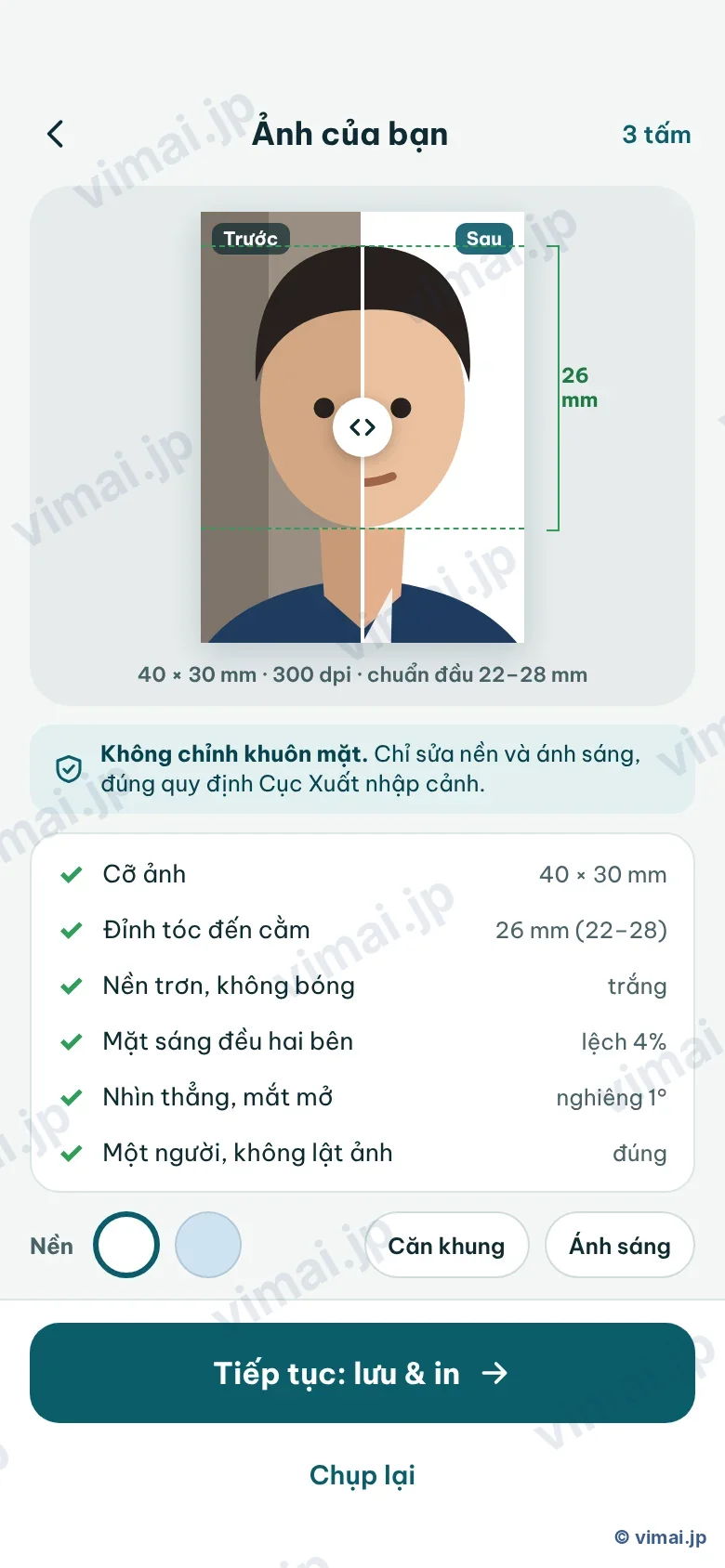
5. Result: checked by measurement
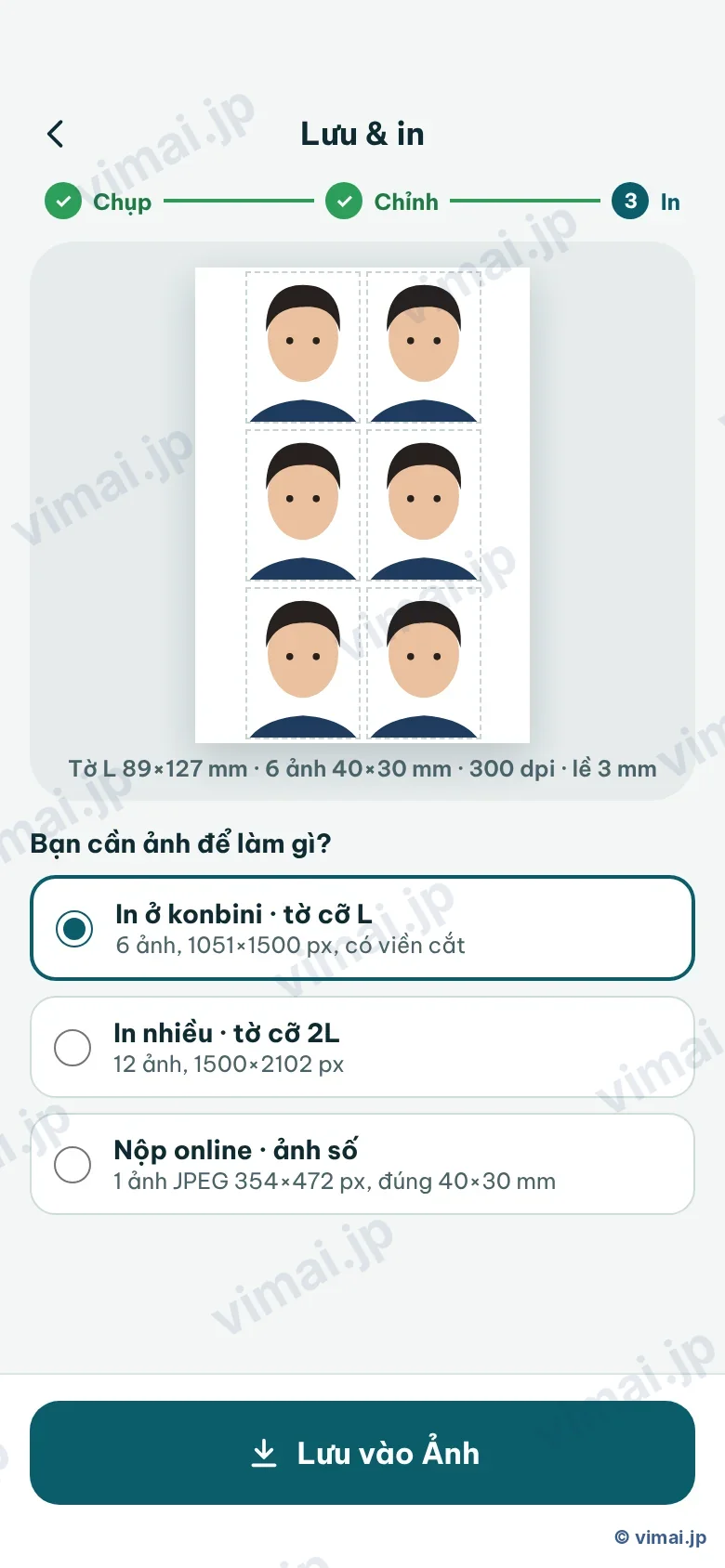
6. Choose a size to save and print
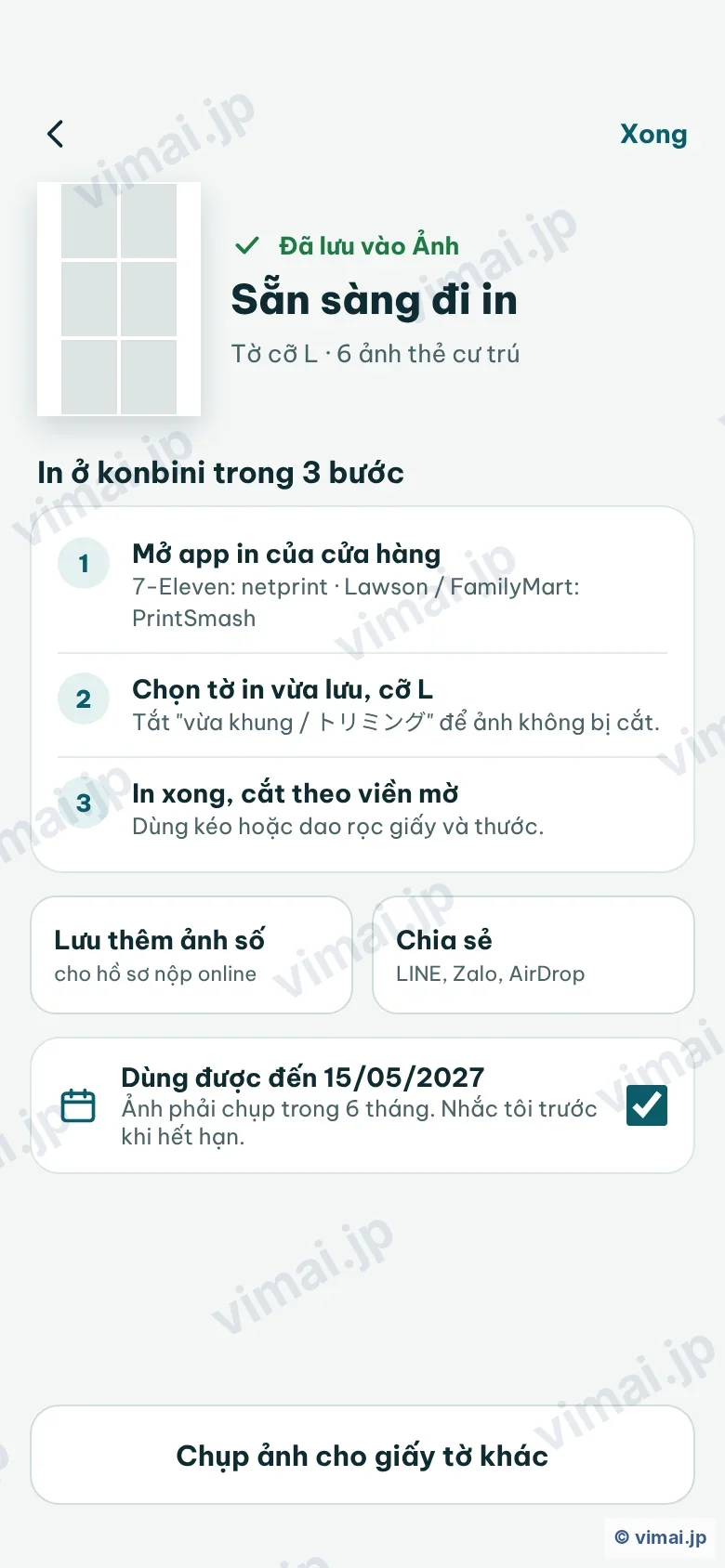
7. How to print at a konbini
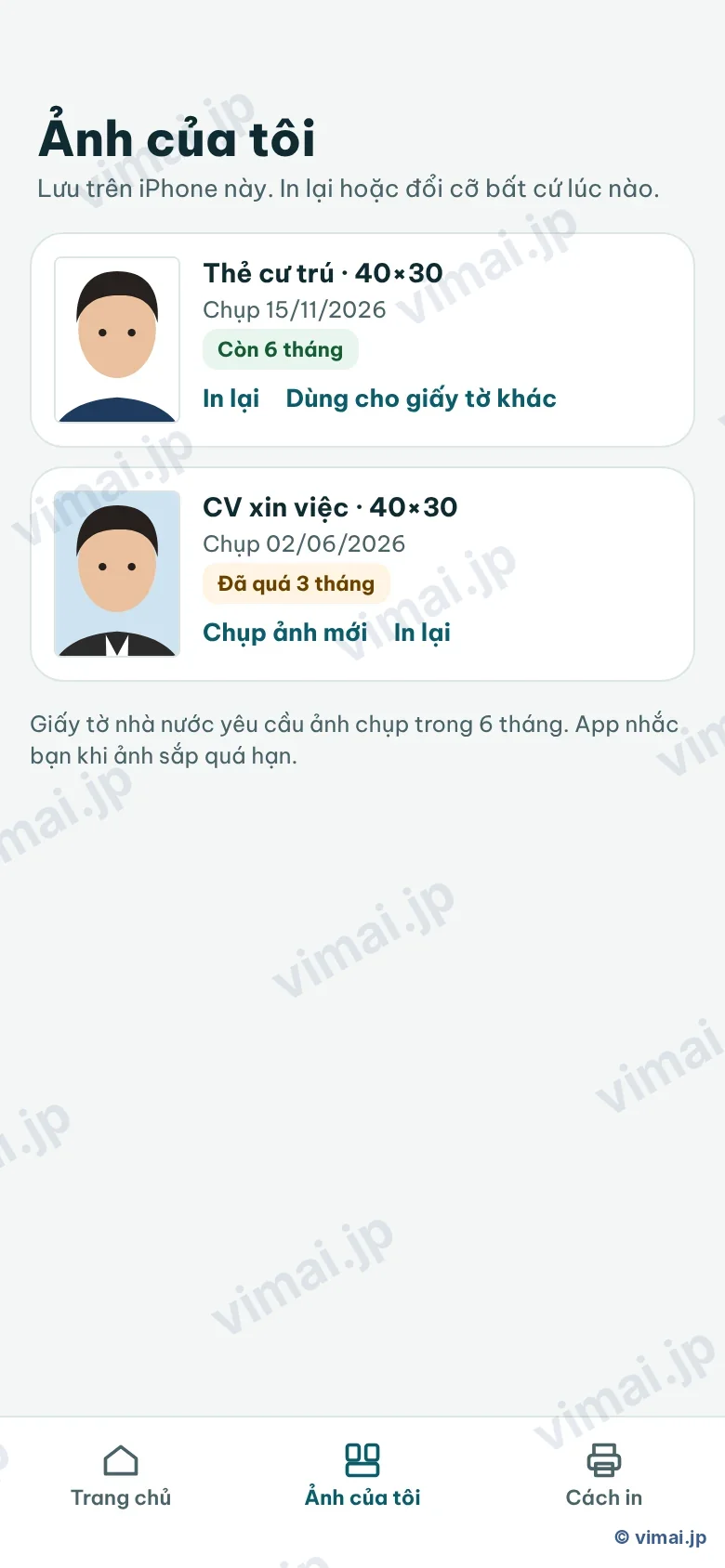
8. My photos
Why the photo meets the rules
Per document
Knows the size, head size and background for the residence card, CV, My Number, passport and driving licence.
Guided capture
A frame drawn to scale, six live checks and a voice guide in Vietnamese, English and Japanese. Shoots itself when all are green.
Plain background, clean hair
Swaps your wall for white or light blue and keeps real hair edges, with no cut-out halo.
Balanced light
Brings the face to a studio level and softens a shadow on one cheek.
No face retouching
No bigger eyes, no whitening, no removed moles: things Japanese offices refuse.
Checked by measurement
Measured on the finished photo: head size in mm, light on both sides of the face, background evenness.
Exact print sizes
L or 2L sheets at 300 dpi with cutting guides, or a digital photo for online applications.
Private
Processed on your iPhone. Nothing is uploaded, no account needed.
Supported documents
Photo size and head size (crown to chin) the app uses for each document.
| Document | Japanese name | Photo size | Head size |
|---|---|---|---|
| Residence card, visa applications | 在留カード・在留申請 | 40 × 30 mm | 22–28 mm |
| CV for job applications | 履歴書 | 40 × 30 mm | 22–28 mm |
| Japanese passport | パスポート | 45 × 35 mm | 32–36 mm |
| My Number card | マイナンバーカード | 45 × 35 mm | about 2/3 of the height |
| Driving licence | 運転免許証 | 30 × 24 mm | about 2/3 of the height |
Residence-card head size follows the Immigration Services Agency figure; passport, the Ministry of Foreign Affairs.
Three steps
- 1
Pick and shoot
Face a window and stand a little away from the wall. The app guides you and takes three shots.
- 2
Check and adjust
It picks the best shot, makes the background plain, evens the light, cuts to size and shows the checklist.
- 3
Save and print
Save the L-size sheet to Photos, print it with the store's print app and cut along the guides.
